Upscale Images for Instagram, YouTube Thumbnails, and Creators
Small masters become blurry on big screens. Upscale once, post everywhere — stories, feeds, and thumbnail slots.
··5 min read
Pixlift Enhancer Editorial — Practical upscaling guides written and reviewed against live product limits, pricing tiers, and model gates. FAQ · Privacy
Creators chain tools — Midjourney, Canva, CapCut — and end up with 1080 px masters that platforms recompress. YouTube recommends 1280×720 minimum for thumbnails but crisp 1920×1080 survives TV and search sidebar better. Instagram carousels exported from design tools often ship soft on desktop feeds.
By content type
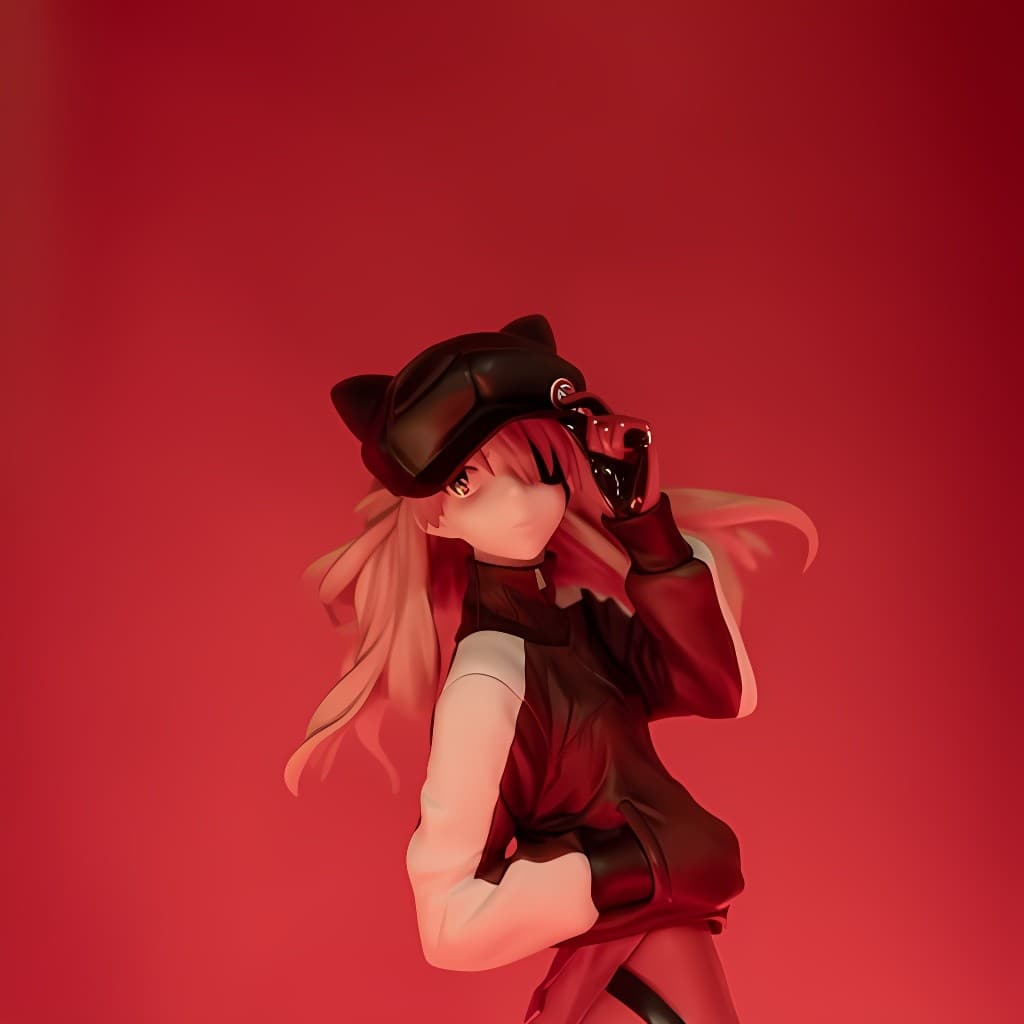
AI art thumbnails: Anime model on Pro, 4× from 1024 px sources.
Talking-head thumbnails: Face model for portrait frames; General for b-roll stills.
Quote cards and slides: General at 2×–4× after final typography lock-in.
Podcast cover art: upscale before uploading to Spotify — avoids platform upsample.
Free tier 2× is enough to A/B two thumbnail variants daily; scale to Pro when you batch a content calendar weekly.