Real-ESRGAN models
Industry-standard upscaling
increase image quality online
Pixlift is an AI image enhancer for photos that look soft, noisy, or low-resolution. Upload JPEG, PNG, or WebP, run enhance image processing in your browser, and compare before/after with a built-in slider — five free runs per day on the General model at 2x scale.
175×1751400×1400
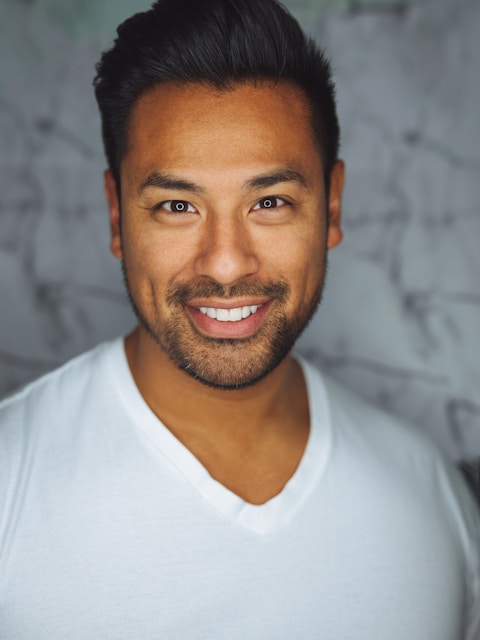
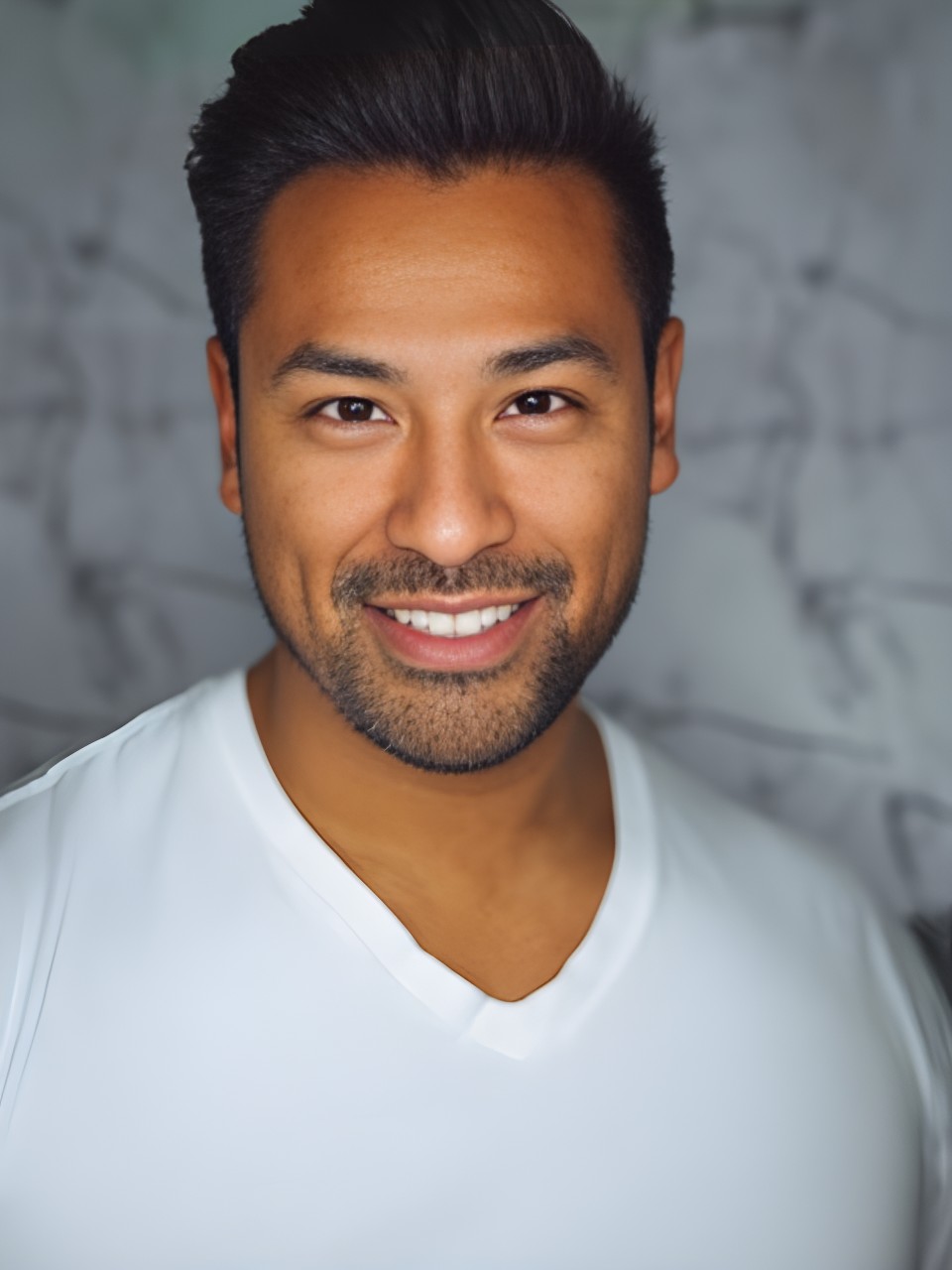
8× · Face model
Drag the slider — see pixels turn sharp
Live workspace
Upload an image, pick scale and model, then compare and download. No credit card required.
Drop an image below — we'll open the full workspace with your file ready.
Drag & drop an image, or click to browse
PNG, JPEG, WebP · max 15 MB
Searchers looking to increase image quality online want a visible improvement, not a mystery filter. Pixlift shows a side-by-side compare slider so you can judge whether AI enhancement recovered texture, reduced noise, or introduced halos before you download. That honesty matters for ecommerce packshots, portrait retouchers, and social crops where over-sharpening is worse than doing nothing.
Our image enhancer pipeline uses Real-ESRGAN family models: General for everyday photos, Face when skin tone fidelity matters, and Anime for illustrated assets on paid plans. Whether you search image enhancer, enhance image, ai image enhancer, or image quality enhancer, Pixlift keeps the same published limits — five free jobs per day, 15 MB max file, 2x on General — stated on the pricing page.
Teams use Pixlift to enhance image quality before marketplace uploads, print proofs, and client deliverables. Starter and Pro tiers raise daily caps, unlock 4x–8x output, and add priority queue access when deadlines stack up. Enhancement quality still depends on source compression and subject matter; always verify on your own files.
Uploads process over TLS and auto-delete within 48 hours by default. Pixlift does not train on your images. ai-upscaler.org (Upscala) remains the primary branded host; Pixlift serves the increase image quality and image enhancer keyword cluster on its own domain with self-canonical URLs.
8×
Max upscale
5
Free daily
3
AI models
0
Install needed
Why Pixlift Enhancer
Industry-standard upscaling
Files removed from storage
Works in your browser
Compare results instantly
Why Pixlift Enhancer
From pixelated uploads to print-ready output — without desktop software or surprise subscriptions.
We've got you covered
Pixlift Enhancer turns fuzzy photos into sharp results in seconds. Drag and drop in your browser, compare with the built-in slider, download — done.
Low resolution is no fun
Got a blurry photo or a pixelated mess? Love the memories but hate the quality? We've all been there.
Complicated tools cost time and money
Desktop software, expensive subscriptions, steep learning curves — or squinting at the screen hoping it looks better. Your wallet shouldn't suffer for sharper images.
Gallery
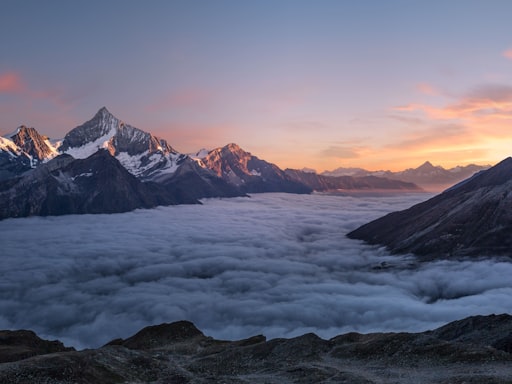
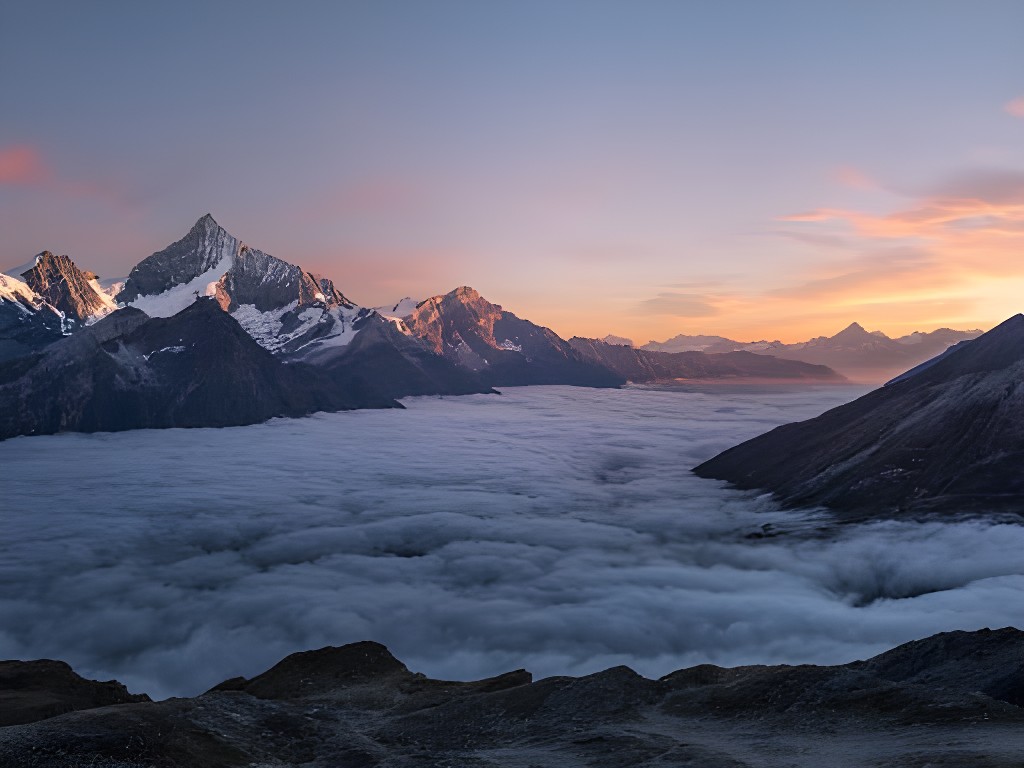
Compare AI upscaling across landscapes, illustrations, and architecture — switch use cases and inspect scale, model, and output resolution.
Landscape & travel photo enlargement
Increase resolution on nature and travel photography for print layouts, hero banners, and large-format display. Real-ESRGAN preserves foliage edge detail and smooth sky gradients — avoiding the blocky artifacts typical of basic resize tools.
Who it's for
Whether you upscale AI art, photos, or product shots — Pixlift Enhancer fits your workflow.
image enhancer
Pixlift sharpens soft photos, reduces noise, and improves clarity — browser-based image enhancer with honest free tier limits.
Increase image quality at 2× on the General model. Paid plans unlock 4×–8× when you need larger exports.
General for everyday photos, Face when skin tone matters, Anime for flat art — Face and Anime on paid tiers.
Judge whether AI enhancement recovered texture before you download — essential for ecommerce packshots.
Upload over TLS, track progress in the widget, download when the enhance image job completes.
Pixlift does not train on your uploads. Files auto-delete within 48 hours by default.
Starter and Pro raise daily caps and unlock higher scale. Limits are published on /pricing — no hidden caps.
AI models
Pick the right engine — General on free, Face and Anime on Pro.
Photos & illustrations
Balanced detail recovery for everyday images and AI-generated art.
2×–8× · photos & AI art · max 8×
Try in workspace →Portraits & headshots
GFPGAN-style face enhancement for natural skin texture and eyes.
Up to 8× · portraits · max 8×
Learn more →Flat art & manga
Crisp lines and flat colors without over-sharpening artifacts.
Up to 4× · flat illustration · max 4×
Learn more →Compare plans to unlock Face and Anime models.
Pricing
Start free with 5 upscales/day. Upgrade to Pro for $11.99/month — 8× scale, all models, API access.
$0forever
Try the upscaler with daily limits.
$11.99/month
Best for professionals and creators.
Quick answers about formats, limits, and models.
Yes — five enhance image jobs per day on the free tier at 2× scale with the General model. 15 MB max file size.
PNG, JPEG, and WebP uploads. Use the compare slider to inspect output before download.
Pixlift is a satellite frontend focused on increase image quality and image enhancer keywords on pixlift.org. The same API powers both hosts with self-canonical URLs.
No credit card. No install. Just sharper images.